Keys on your phone
Your master key stays on your device. Back it up securely: there is no hosted account recovery.
Manage NOID with an open-source wallet that runs a full node directly on your Android phone.
Your phone connects to the peer-to-peer network and verifies blockchain state locally. You keep control of your master key.
Android 8.0+ · ARM64 · Independent community project
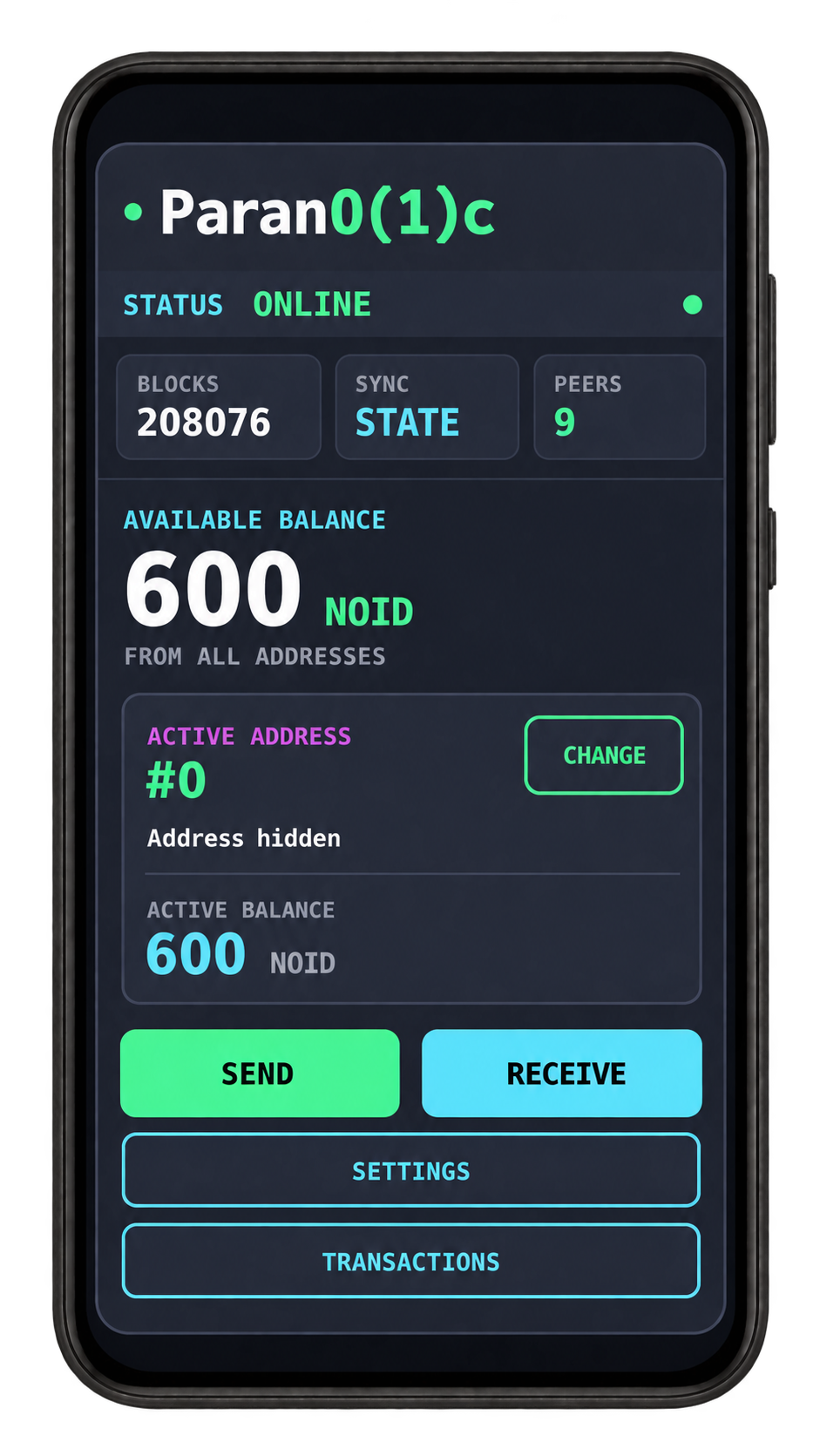 Wallet preview · sample balance
Send and receive payments, manage your addresses and verify supported payment receipts from one application.
Your master key stays on your device. Back it up securely: there is no hosted account recovery.
Run the Parano1d node locally and connect to network peers. Synchronization needs a working connection and time to catch up.
An app access lock with failed-attempt protection and automatic locking when returning to the app. The PIN is separate from master-key encryption.
Use multiple derived addresses and a dedicated transactions screen. Available Balance covers all wallet addresses; Active Balance covers the selected address.
Export supported confirmed payment receipts, share them and import receipts from other users. Verify Merkle proofs against your local canonical blockchain.
Choose from 18 interface languages during setup or change your language later in Settings.
Parano1c is a full node. Your phone downloads and maintains local network state, so allow time and free storage for synchronization.
Keep your master key private. Store a secure backup before updating, restoring or resetting your wallet. Never send it with a bug report.
No. Parano1c is an independent, third-party, open-source project maintained by Aquacongas. It is developed separately from the official Parano1d team.
No. The wallet runs its own node on your phone and connects to the peer-to-peer network. Network access and reachable peers are still required for synchronization and broadcasting transactions.
Receipt Import accepts a payment receipt, not a bare transaction ID. A receipt contains proof material for verification. An exchange withdrawal may not include a compatible receipt, and importing a receipt does not credit your wallet balance.
Historical transaction reconstruction after restoration is a known limitation. Transaction history and the balance derived from current blockchain state are different things. Missing history alone does not establish whether a payment was received.
Check your connection, peer connectivity and current synchronization progress. Keep the application open while troubleshooting. Some Android devices restrict background activity; on Xiaomi devices, check the app's battery restrictions and background autostart settings. Setting names vary by device.
Notification permission controls visible alerts. Denying that permission does not itself prevent a blockchain payment from being sent to your address. The local node still needs to synchronize before the app can show the current wallet state.
Open a GitHub issue with your app version, phone model, Android version, steps to reproduce and current synchronization information. Include a transaction ID or relevant screenshots when useful. Never include your master key, PIN or signing keys.
For Android 8.0 or newer on ARM64 devices.
Android wallet v2.0.0 · Parano1d core v2.0.3.
Signed APK and SHA-256 / SHA-512 checksums available in the release.
Parano1c is experimental software. Bugs, crashes, synchronization issues and unexpected behavior are possible. Back up your master key and start with a small test payment.
The six-digit PIN protects access to the app interface. It does not replace a secure master-key backup or wallet encryption.